Skip to content


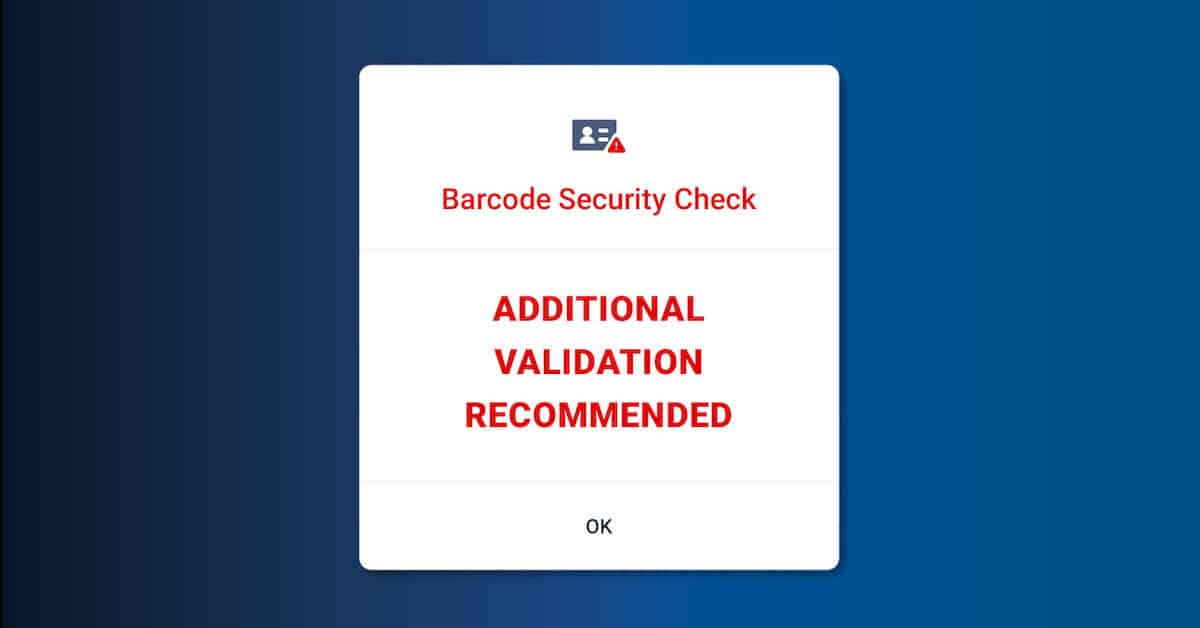

If you’re using an ID scanner, you’ve probably encountered this awkward interaction:
- You scan the customer’s ID
- The ID scanning software flags the ID as fake
- You tell the customer that they cannot enter with a fake ID
- The customer says “What?! My ID is real.”

There’s nothing worse than a legitimate ID flagged as fake. And it can be confusing when you rely heavily on powerful software to do most of your ID verification for you.
Before we begin, we want to remind you that the most common reason an ID is flagged is fake is…well, because it’s fake. And fraudsters will use every excuse in the book to convince you that your ID scanning software is wrong. It usually isn’t.
But every so often, there is a legitimate false positive. Here are the most common reasons why an ID might be flagged as fake, and what you can do about it.
1. The ID is dirty
ID scanners are only as good as their cameras. If key elements of the barcode are obscured, you will not be able to scan the ID, even using a handheld ID scanner. If you are using a sensitive ID authentication device, then even a small amount of dirt may impact the scanner’s ability to view the holograms and watermarks that the software uses to determine if the ID is legitimate.
We recommend using cleaner, or a wipe such as a Clorox wipe to clean off the ID and re-scan. However, if the ID is extremely dirty or scratched, even wiping it down may not help. In that instance, we would recommend manually keying the ID data into the system and triggering a DMV/IdentiFraud check to doublecheck that the ID was issued from the correct jurisdiction, and give you some confidence in the individual’s identity.
Fraudsters do use dirty IDs as a way to circumvent ID scanning technology (just like drivers use dirty license plates to avoid traffic cameras), so letting them through with a dirty ID is not recommended.
2. The ID has a sticker on it
Using a handheld scanner, you should have no problems scanning an ID with a sticker on it, as long as the sticker does not obscure any part of the 2D barcode. But if you are using ID authentication a sticker can adversely impact the software’s ability to check the ID against hologram and watermark libraries. Some reflective stickers can also cause large light artifacts on the UV and infrared scans.
Fixing a sticker-fail is easy. Just ask the guest to remove the sticker and try again. You may want to wipe down the ID before rescanning to ensure all residue has been removed.
A hole (or VOID marking) punched through the ID will also trigger this same behavior, since the hole eliminates the ability to fully read and authenticate the security features on the ID.
3. The ID format is brand new
Most states release new ID formats every few years. And typically they release more than one at a time as most states have different formats for Under 21, and have separate state IDs and drivers licenses. Especially if the customer has an ID from a smaller state, it is possible that the ID scanning software you are using has not had time to create an AI-template of the ID. VeriScan software, for example, takes between 5 and 20 scans of a state format before it can properly authenticate. So new ID formats can be tricky for scanning.
Ask the customer when they were issued their ID and check the issue date and expiration date to confirm. You can always manually run an IdentiFraud check, as this will query government records in real-time to confirm their identity.
We also recommend turning on the VeriScan document collector, so you can send any new ID formats into the system to be run through our AI.
4. The individual has an extra-long name
Reading international IDs comes with its own set of challenges around formats and languages. However, one common reason that international legitimate IDs are flagged as fake, even when using VeriScan Global is because the name on the front and back of the ID does not match. This commonly happens with Spanish IDs, as Spanish names can be very long. Although the full name is printed on the front of the ID, the full name does not fit in the digitized field inside the 2D barcode or machine readable zone (MRZ)*. This means that when the software uses OCR to read the front of the ID, and then matches it against the name in the barcode, it flags them as a mis-match.
The best way to handle this is to ask for a second form of ID. Most software does not have the ability to query global databases, so the individual is unlikely to be found in a DMV or IdentiFraud check. Examine the ID visually as well, to ensure it appears authentic.
*MRZs, which are used on passports and passport cards can store far fewer characters than 2D barcodes.
5. Poor image quality
Poor image quality is typically due to 2 things: lighting, and user error.
For document authentication, the device needs a dark environment in order to perform UV and infrared scanning properly. So if there is a lot of ambient light, this may impact the scan. Even for slot-ID readers, where the ID is being pulled inside the device, bright light shining directly into the slot may impact scan results.
User error typically has to do with how the ID is scanned. On flatbed scanners, the device may have trouble if the ID is not pushed to the corner of the flatbed scanning area. For slot-ID readers, the machine can sometimes take a blurry image if the ID is held too long before it is “caught” by the machine.
In both cases, the best option is to run the ID again a few times. Once your team becomes more seasoned with exactly how to place the ID inside the machine the number of IDs that fail due to poor image quality typically greatly reduces.
6. The ID is damaged or heavily worn
Even when an ID is completely legitimate, years of everyday use can damage the features that ID scanning and authentication software relies on. Scratches across the barcode, peeling laminate, cracks, bent corners, fading, or damage to holographic and other security features can make it difficult for a scanner to confidently authenticate the document.
This is slightly different from a dirty ID because cleaning won’t solve the problem. A damaged PDF417 barcode may be partially unreadable, while damage to the front of the ID can interfere with OCR or security-feature analysis.
If a legitimate ID repeatedly fails because of physical damage, businesses should consider requesting another acceptable form of identification or using another identity verification method rather than assuming the document is fraudulent. Other ID verification platforms similarly identify damaged or unreadable documents as a common reason an ID cannot be successfully verified.
7. The ID is expired
An expired ID isn’t necessarily a fake ID. In fact, the barcode on an expired driver’s license generally remains completely readable. ID scanning software can still extract the name, date of birth, address, ID number, expiration date, and other information encoded in the document.
However, depending on how a business has configured its ID scanning software, an expired ID may generate an alert or fail the business’s acceptance rules. Employees should understand the difference between an expired-ID alert and an authentication failure so they don’t automatically accuse a customer of presenting a fake ID.
8. The barcode and printed information contain minor differences
More advanced ID verification systems can compare information extracted from the barcode against information read from the front of the document using OCR. Differences between those data sources can trigger additional scrutiny.
A mismatch isn’t always evidence of fraud. Formatting differences, truncated fields, middle names versus middle initials, punctuation, abbreviations, special characters, transliteration, or jurisdiction-specific encoding practices can sometimes cause legitimate information to appear inconsistent.
9. The ID uses an unusual or less-common document format
ID authentication systems encounter some documents far more frequently than others. A driver’s license from a major U.S. jurisdiction may be scanned thousands of times, while a less-common international document, municipal ID, temporary credential, or unusual government-issued ID may appear much less frequently.
The document may be perfectly legitimate but fall outside the formats supported by a particular ID scanner or ID verification workflow. In these cases, an inability to authenticate an ID should not necessarily be interpreted as confirmation that it is fraudulent.
10. The scanner itself needs cleaning or maintenance
Dust, fingerprints, debris, or residue on a scanner’s imaging surface can interfere with image capture. A dirty ID scanner window can create blur, glare, shadows, or artifacts that make legitimate security features harder to analyze.
If multiple legitimate IDs begin failing unexpectedly, especially at the same workstation, businesses should check the scanner rather than assuming they suddenly have a wave of fake IDs.
Conclusion
ID scanning and authentication technology can help businesses identify fraudulent documents, but a failed scan or authentication alert does not automatically mean an ID is fake. Everything from physical damage and poor image quality to new ID formats, unusual data formatting, expired documents, and scanner maintenance can affect how successfully a legitimate ID is read or authenticated.
That is why businesses should treat a flagged ID as a reason for additional review rather than definitive proof of fraud. Employees should understand the different types of alerts their ID scanning system can generate and have a clear process for handling IDs that cannot be confidently verified.
Keeping scanners clean, software and ID libraries up to date, and staff trained on common scanning issues can also help reduce unnecessary failures. When an ID still cannot be verified, requesting a secondary form of identification or using an alternative identity verification method can help businesses make a more informed decision while maintaining a positive customer experience.
Ultimately, effective identity verification is about distinguishing genuine fraud from the many legitimate circumstances that can cause an ID to fail. A layered approach to ID verification can help businesses catch sophisticated fake IDs without unnecessarily turning away legitimate customers.