Skip to content


Self-Service Identity Verification Kiosk
Streamline operations, prevent fraud, and enhance staff experience with automated kiosk solutions. Built to scale across enterprises and tailored to your business needs.
Identity verification kiosks
Beyond a basic check-in process
Whether you’re onboarding workers, admitting patients, or approving applications, the kiosk adapts to your environment with no custom development required.
Access management for freight and logistics companies
Supply chain access management
Secure your entire supply chain by scanning driver and customer IDs. Add ID scanning to entrance or exit gates to streamline processes and bolster security.
ID scanning for law enforcement
ID verification for access mangement
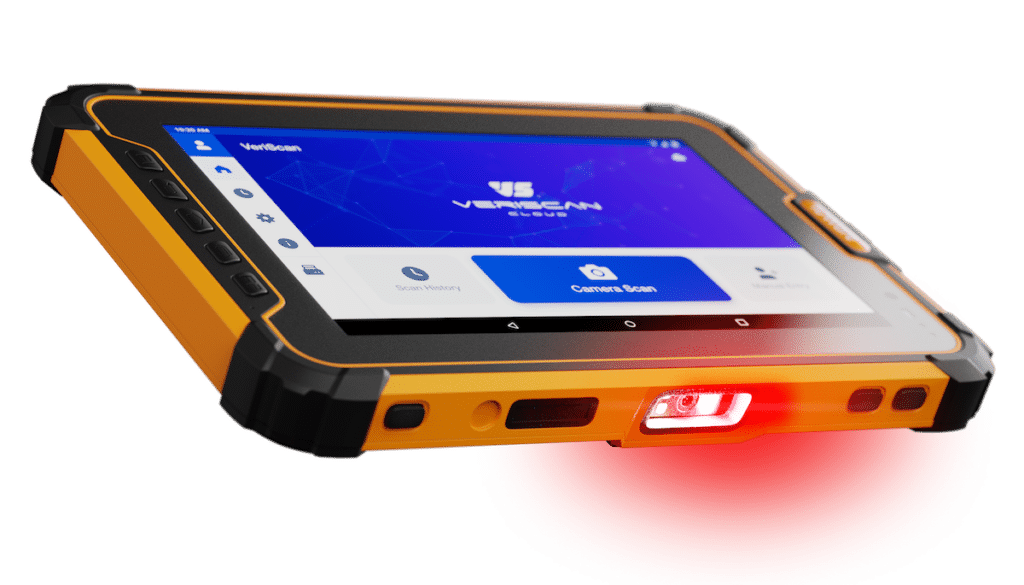
Mobile ID scanners can be used for foot patrol, vehicle patrol, and event security. Save time and valuable man-hours by using fast, accurate ID scanning data automation software. All data is time-stamped and easily accessible.

Secure facilities
ID scanning at entrances
Add an ID scanner to your guard shack or entrance gate to verify guest identity before they enter your port, military base, or secure facility. Handheld ID scanners give you the flexibility to scan IDs through car windows, while ID authentication devices will provide the deepest assurance that each document is legitimate.

Access management
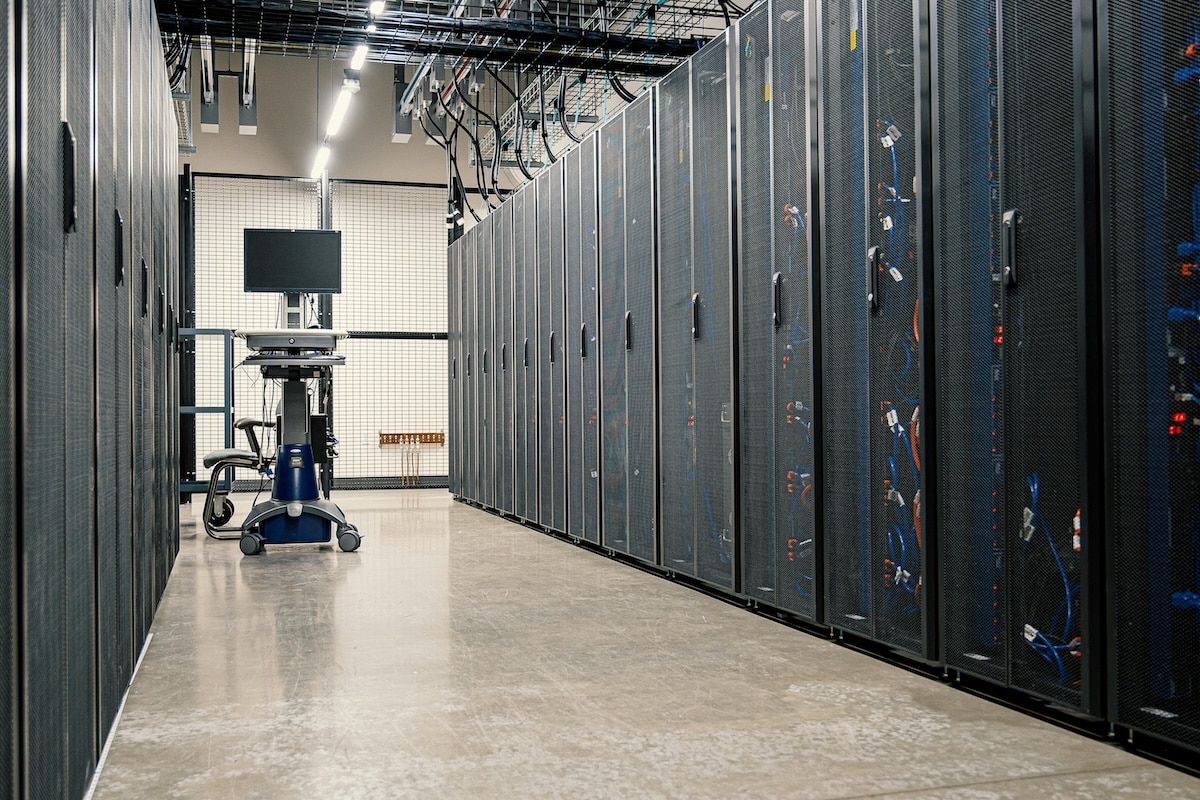
ID scanning for data center security
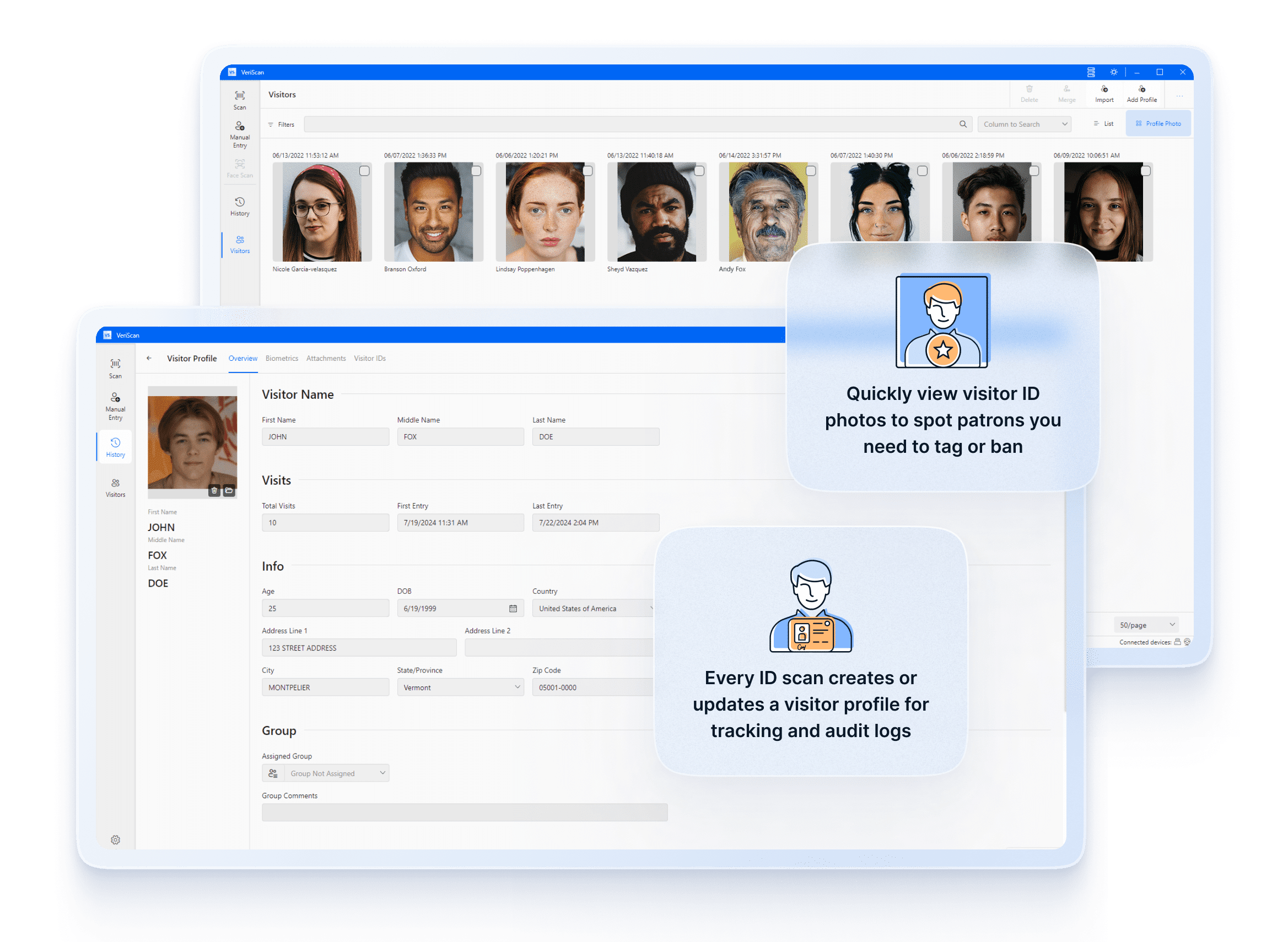
ID verification can ensure visitors to your data center are logged, background checked, and using legitimate identity credentials when they arrive onsite.
ID scanning for campus safety
Access control and visitor management for schools
ID scanning access management for schools can help your staff easily manage who is on premises and ensure all visitors have been properly vetted.
Add waivers and signatures to eliminate paper sign-in sheets and paper agreements, and time-expiring badges to easily identify each visitor.

VeriScan for Access Management Testimonials
Here’s what our customers have to say
Identity verification kiosk
Built for every point of entry
Whether you’re onboarding workers, admitting patients, or approving applications, the kiosk adapts to your environment with no custom development required.

Catch fake IDs
Use ID authentication to detect up to 95% of fake IDs and ensure all guests and visitors are using legitimate credentials.
Centralized management
All verification data is instantly accessible via a secure Cloud portal featuring searchable histories and dashboards for fraud trends.

Identity verification
Ensure each visitor is who they say they are, keeping your employees, customers, and assets safe.

Customizable access control
Restrict access by group or age in a user-friendly dashboard and sync across entrances or customize by location.

Liveness detection
Integrated webcam and facial recognition technology prevent the use of photos or videos of the ID holder to trick the system.

Seamless integrations
Integrate existing systems to ensure your data stays connected.
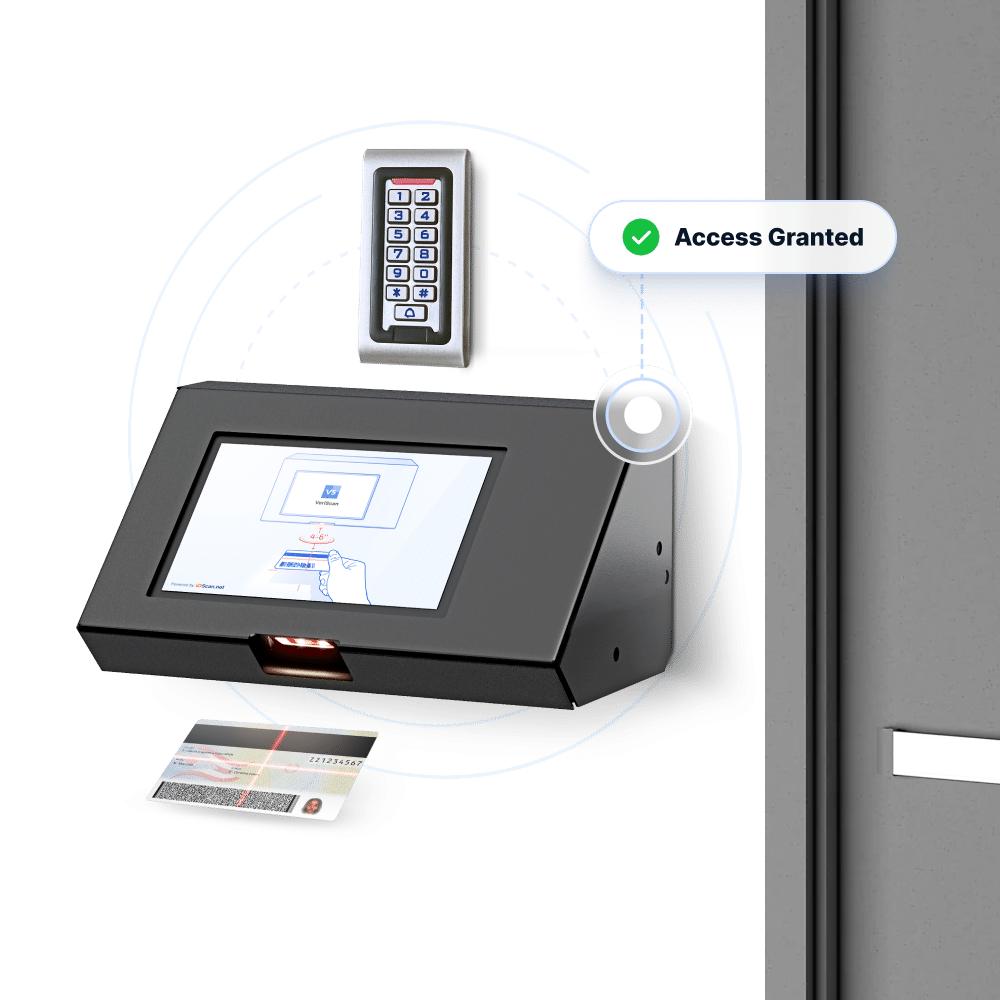
ID scanner activated door locks
How identity verification kiosks work
Confirm identity with confidence in less than 30 seconds, with an easy-to-use interface and robust backend platform.
Full ID authentication
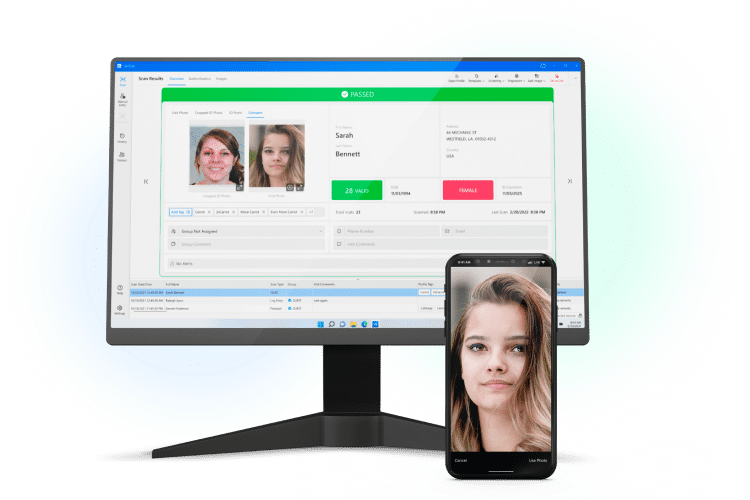
More than 400 adaptive AI security checks detect up to 95% of fake IDs. Combined with the E-Seek M500, the solution instantly ensures the ID is legitimate.
Biometric face match
Facial geometry confirms the live selfie video matches the ID photo. Liveness and anti-spoofing ensure the user cannot trick the system using a photo or video of the ID holder.
Verification management platform
All results are instantly available in a secure backend Cloud portal, with a searchable, visible history.
Self-service identity verification kiosk
Seamless user experience
Our kiosks combine ease-of-use with a robust backend platform and AI-powered ID authentication engine to confirm identities with absolute confidence.
Step 1: Full ID authentication
Users are prompted to insert their ID into the embedded E-Seek M500 forensic scanner, which uses VeriScan ID Authentication to ensure the document is legitimate.

Step 2: Face match
The user walks through randomized liveness checks on video, and our software uses facial geometry to confirm they are the rightful ID holder.

Step 3: Instant Results
The screen displays a clear “pass” or “fail” message based on the verification results. All results are available in realtime in a secure Cloud portal with a searchable, visual history.
Verify identity in <15 seconds
Technical specifications
Footprint
56.6″x19.3″x17.5″
Screen/tablet
15.6″ touchscreen, 1080×192
Camera
Embedded 1080px webcam
Are you looking to add self-service identity verification kiosks?
ID scanning kiosk FAQ
Are third party checks available to layer on top of the ID scan?
Yes. Criminal background checks, sex offender checks, and IdentiFraud checks can all be queried to provide enhanced information about each visitor. Read more about third party checks here.
How long can I retain data from scanned IDs?
Your business can set the data retention policy that works for your. You can add consent waivers, and set length of retention time at the field level in the VeriScan Cloud Portal.
Can I print visitor badges from a scanned ID?
Yes. you can easily add a label printer to VeriScan, which can be configured to automatically print a badge or label upon each ID scan.
Can scans and visits be synced between multiple locations?
Yes. With VeriScan Premium or above, all of your scans and visit history are automatically synced to a central portal, for utilization of shared lists, alerts, and settings.
Can I accept mobile IDs for access?
Yes. VeriScan for iOS, and VeriScan for Windows are capable of accepting mobile IDs with specialty hardware.
How does scanning IDs at the door improve security?
ID scanning is known to deter fraudsters. Car dealerships who implemented ID scanning saw a 50% reduction in fraud attempts within 6 months of adding ID scanning to their check-in flow.