Skip to content



The Arizona Motor Vehicle Division has long taken a unique approach to identification issuance, particularly when it comes to expiration dates. While most states follow a standardized model with clearly defined expiration timelines, Arizona offers both expiring and non-expiring IDs depending on the type issued. For businesses relying on ID scanning and identity verification, this distinction can introduce unexpected complexity if not properly accounted for. Understanding how these IDs function, and how they are interpreted by ID scanning solutions like VeriScan, is critical to maintaining smooth operations.
Understanding Arizona ID expiration rules
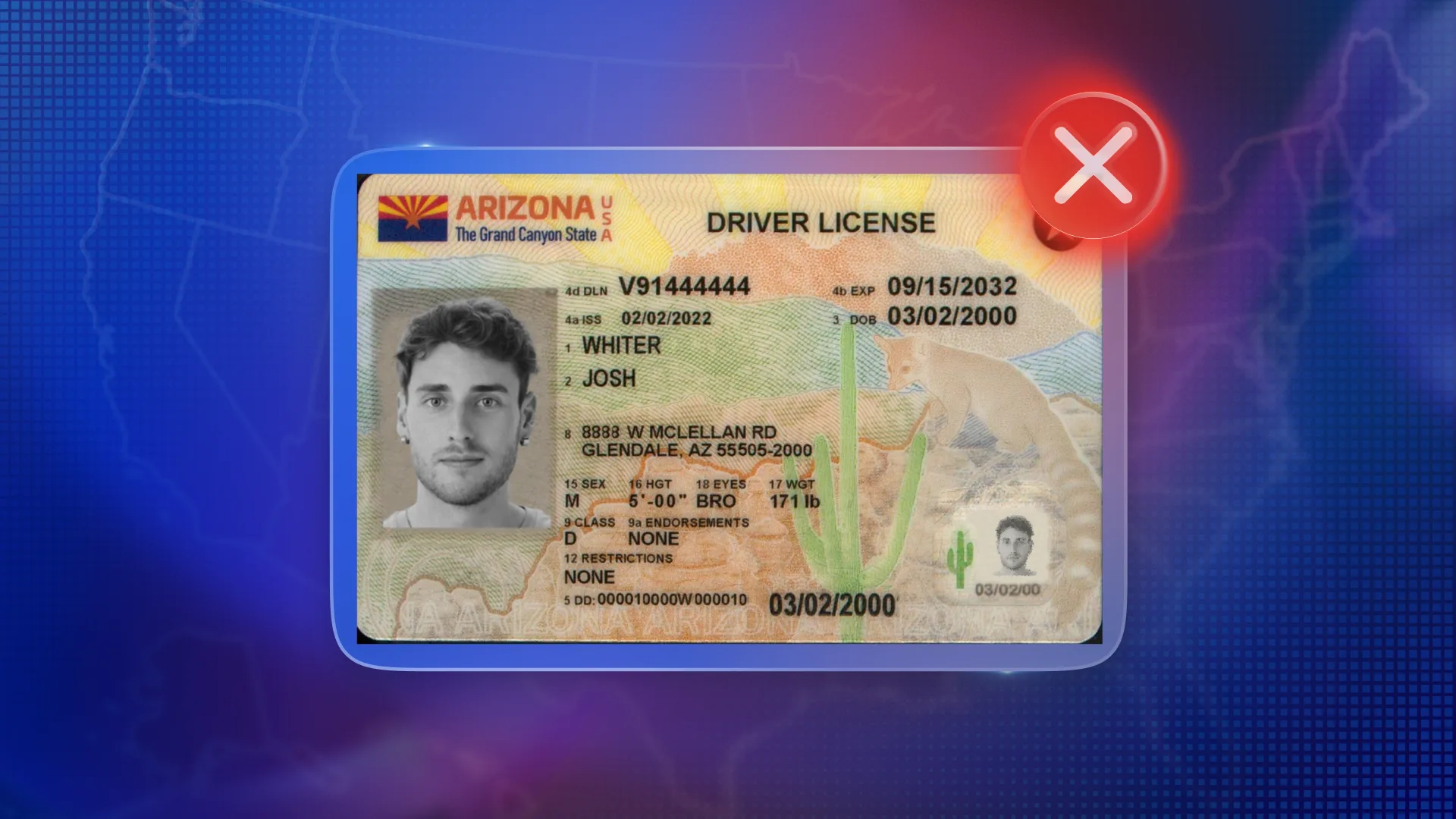
Arizona issues two primary types of identification, each with fundamentally different expiration behaviors. REAL ID-compliant credentials follow a more traditional model, expiring every eight years in alignment with federal requirements. These IDs behave as most systems would expect, with a clearly defined expiration date embedded in the barcode and visible on the front of the card.
In contrast, non-REAL ID identification cards issued by Arizona typically do not include an expiration date at all. While there is technically a requirement for renewal at age 65, this is not encoded in a way that functions as a standard expiration field. From a data perspective, these IDs effectively appear as non-expiring credentials, which can create ambiguity for systems expecting a populated expiration value.
Why Arizona designed IDs this way
Arizona’s approach is rooted in a combination of policy decisions and user convenience. By offering non-expiring identification cards, the state reduces the burden on residents who may not need to frequently interact with the DMV, particularly non-drivers or older populations. This design also reflects legacy practices, as Arizona historically issued long-duration IDs even before the introduction of federal REAL ID standards.
At the same time, the state provides flexibility by allowing residents to opt into REAL ID-compliant credentials when needed for federal purposes such as air travel. The result is a dual-structure system that works well for individuals but requires additional consideration for businesses and technology platforms processing ID data.
What happens when you scan an Arizona ID

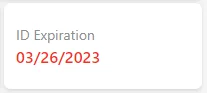
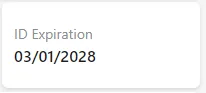
When an Arizona ID is scanned, the system’s behavior depends entirely on whether an expiration date is present. If the ID includes an expiration date, as is the case with REAL ID credentials, the software will extract that value and run a standard expiration check in addition to the other normal security checks. This check is based on straightforward date comparison logic, ultimately returning a pass or fail result depending on whether the ID is still valid.
However, when scanning a non-REAL ID without an expiration date, the system encounters a null value. In these cases, the user interface will display “Not specified,” and no expiration test is performed. This is not treated as an error condition, but rather as an accurate reflection of the data encoded on the ID itself.
Webhooks & integration challenges
While this behavior is straightforward within the scanning interface, it can create complications when data is passed downstream via webhooks. When an expiration date exists, it is included in the webhook payload as expected. But when the expiration field is null, no value is sent at all.
For customers integrating ID scanning into external systems, such as POS platforms or compliance tools, this can lead to friction. Many of these systems are designed with the assumption that expiration is always present, and may treat missing values as invalid or incomplete records. As a result, ID scans may fail, records may be rejected, or additional manual intervention may be required.
For integration partners, this means that expiration cannot be treated as a universally required field. Systems must be designed to accept and properly handle null values, particularly when working with Arizona-issued IDs. In practice, this often involves adjusting validation logic to ensure that records are not rejected solely due to a missing expiration date.
Best practices to avoid issues
To mitigate these challenges, businesses should take a more flexible approach to how expiration data is handled. Rather than enforcing strict requirements, it is important to recognize that a missing expiration date may be both valid and expected depending on the issuing state.
One effective strategy is to make the expiration field optional within your logic workflow, allowing records to pass through even when this value is absent. Additionally, incorporating state-based logic can help systems intelligently adapt, recognizing, for example, that Arizona IDs may not include expiration and should not trigger validation failures as a result.
It is also important to ensure that downstream systems are prepared to handle these scenarios. Whether data is being passed into a POS, CRM, or compliance platform, those systems should be capable of accepting null values without interrupting workflows. By treating missing expiration as informational rather than critical, businesses can avoid unnecessary disruptions.
Final thoughts
Arizona’s ID structure highlights how variations in state policy can have downstream effects on technology and data processing. While non-expiring IDs offer clear benefits to residents, they require thoughtful handling within identity verification workflows.
By understanding how these IDs behave, adjusting validation logic accordingly, and planning for future improvements like REAL ID flagging, businesses can ensure their systems remain both compliant and resilient. In environments where accuracy and efficiency are critical, accounting for these nuances is essential to delivering a seamless experience.