 Skip to content


Scan IDs into Sweed
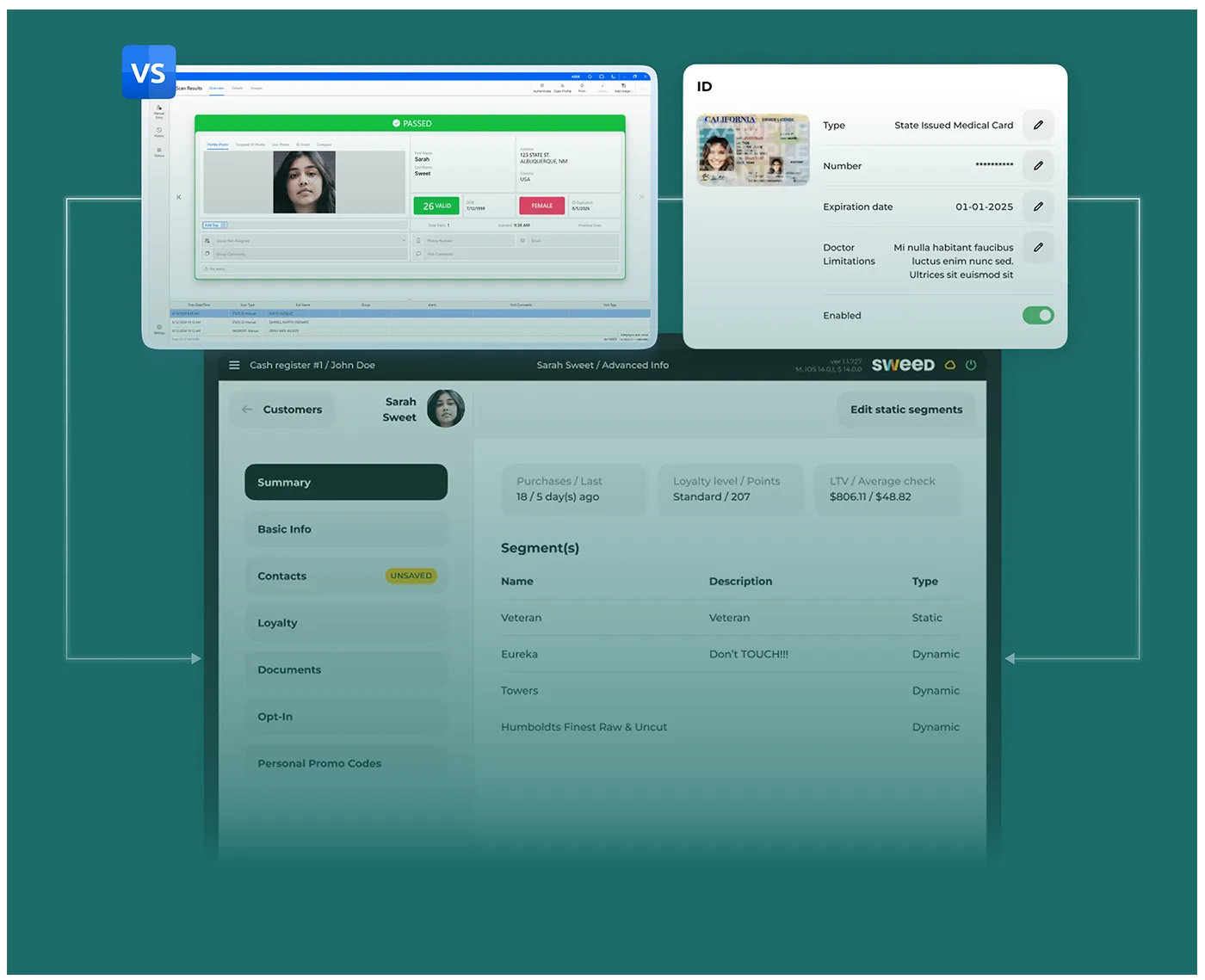
The VeriScan ID Scan integration allows you to check in existing customers and create new customer profiles in Sweed POS by scanning the 2D barcode on a customer’s ID.


ID scanning integration
for Sweed software
VeriScan instantly reads, parses, and validates IDs to keep your dispensary safe, efficient, and compliant. Automatically create and update customer records, check in customers, and detect fake IDs. These hardware options all integrate natively with Sweed.
Flag fake IDs
Instant analysis of the data format inside the ID’s barcode.

Scan MMJ cards
Scan customer data from MMJ cards into Sweed software.
Run history and reports
Set alerts and add customers to groups via the Veriscan portal.
Scan IDs directly into Sweed
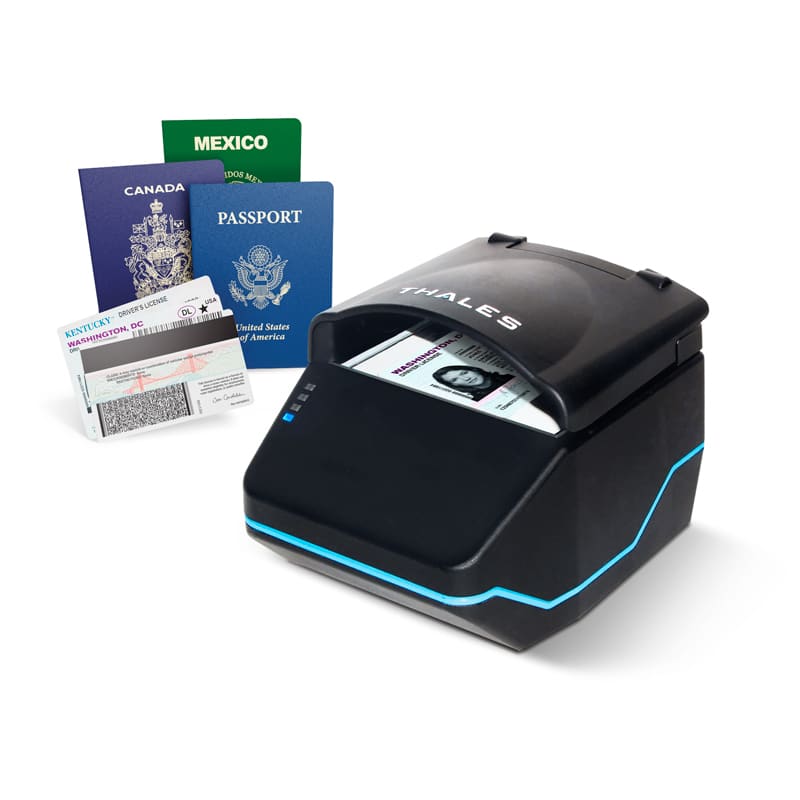
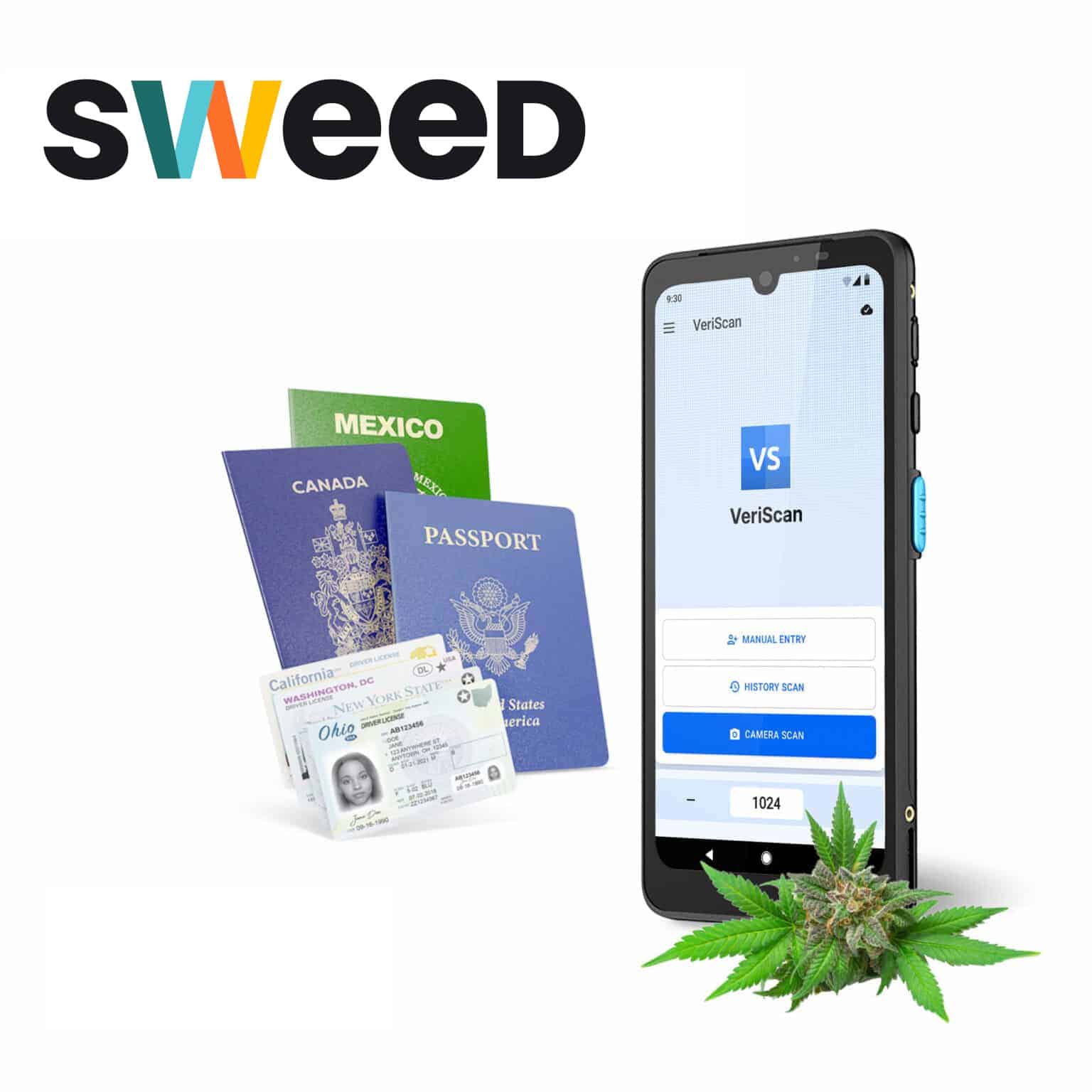
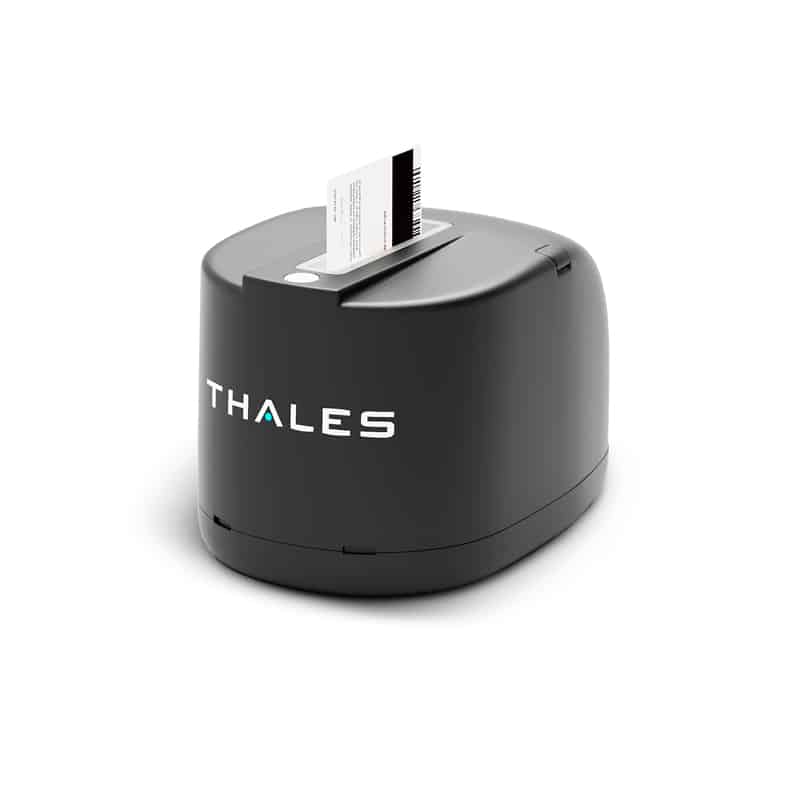
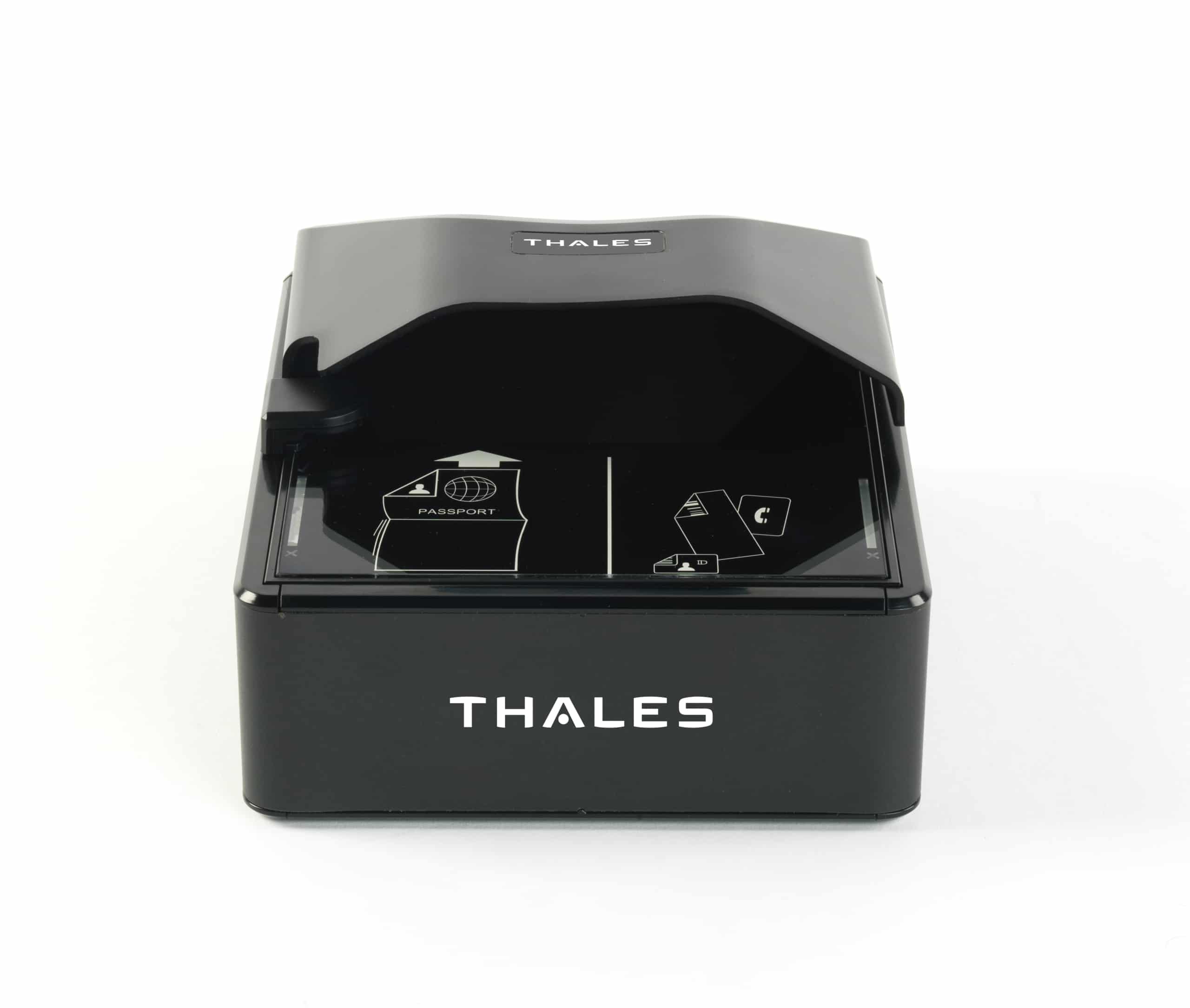
Thousands of dispensaries use VeriScan to verify customers
VeriScan connects an ID scanner directly with Sweed software, allowing you to easily scan IDs directly into the platform.
VeriScan/Sweed FAQ
How do I get set up with VeriScan for Sweed?
Reach out to our team or Sweed and ask about VeriScan for age verification and visitor management at your dispensary.
How does VeriScan verify the age of a scanned ID?
VeriScan can be automatically configured to check the date of birth on the ID against today’s date to alert security if an individual is under 18 or 21. Additionally, it will present a pop-up if a guest presents an expired ID.
However, most minors looking to fool a bouncer or purchase alcohol or cannabis are not going to use an ID that says they’re underage. They are going to use a fake ID. VeriScan offers two levels of fake ID detection. All tiers provide 2D barcode security checks that look for anomalies in the ID’s barcode that can indicate it is fake – this catches roughly 60-70% of fake IDs.
Which types of IDs can be scanned using VeriScan?
VeriScan works with all government-issued IDs which contain a barcode (PDF417) and/or machine readable zone (MRZ). With a VeriScan ID Authentication and specialty hardware add-on it can also authenticate global documents such as non-US drivers licenses, as well as state-issued documents which do not contain a barcode or MRZ using optical character recognition (OCR). Contact us to learn more.
What types of privacy settings does VeriScan offer?
VeriScan offers the most comprehensive privacy settings to ensure your business stays compliant with federal and state regulations. Set data retention policies for every single field from a scanned ID, set time thresholds for for PII flush, or operate in a fully tokenized manner, saving zero information from each scanned ID.
All settings can be updated from inside the cloud-based portal and distributed to all licenses on your account. Additionally, set different state profiles by location, state or use-case.
Does VeriScan create a time-stamped entry for each ID scanned?
Yes. VeriScan is visitor management software. Every ID you scan will either create a new visitor profile, with a logged visit (in the case of a new guest or customer), or will append their existing visitor profile with the date and time of their latest visit.
Can you sync ID scan data from multiple devices or locations?
Yes. You may scans IDs and passports on any device, or at any location, tied to your account, and the visits will be instantly accessible in the cloud-based portal (VeriScan Premium and up).
There is no limit to the number of devices or locations you may have on your VeriScan account, and we support customers who manage thousands of locations, tracking fraud across their entire business.
What data is synced with Webhooks?
All fields from the ID, as well as a photo of the document, are synced with Webhooks and sent into Sweed.