 Skip to content


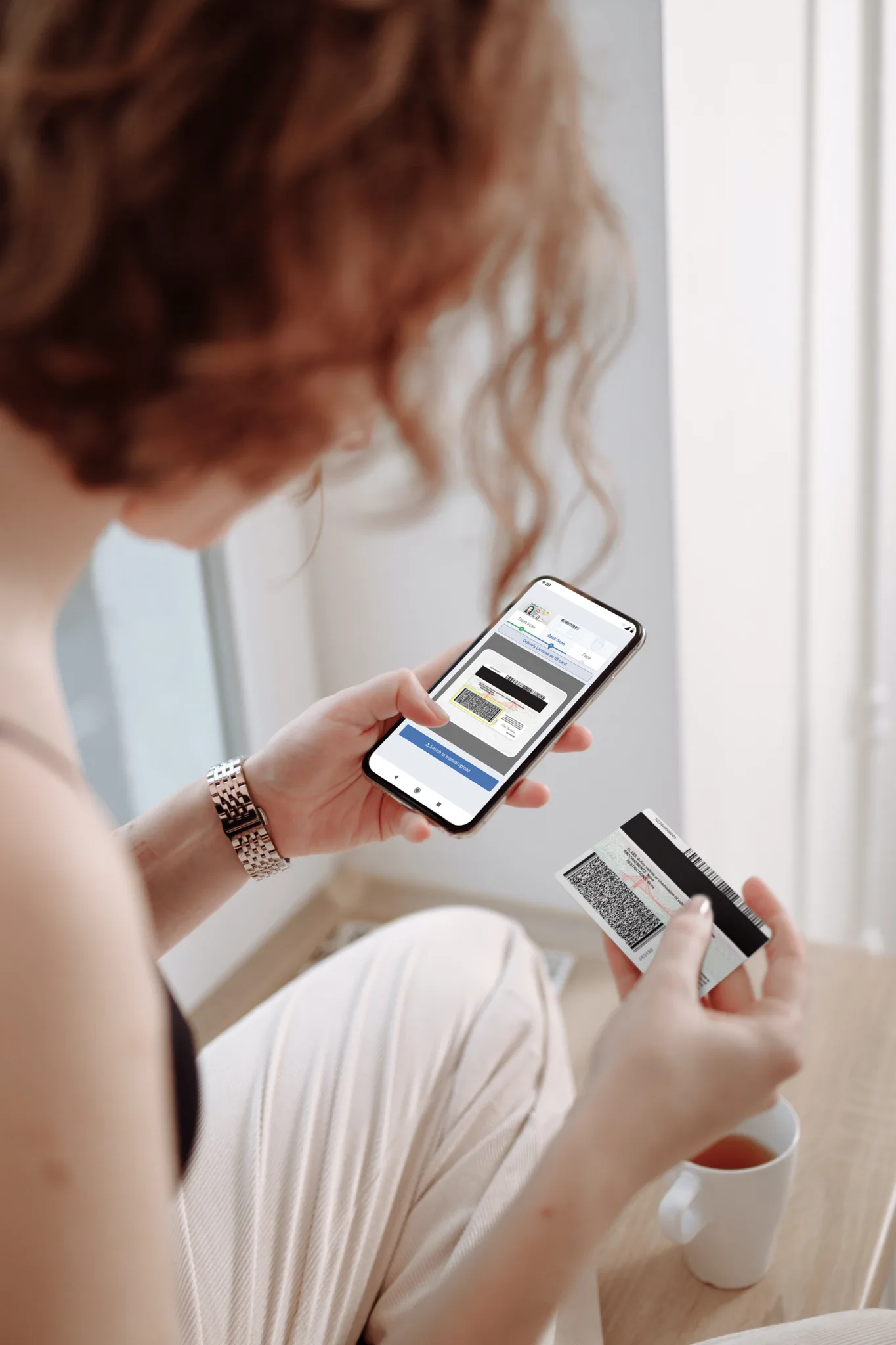

Scan IDs into Quipli
Prevent rental fraud by verifying IDs remotely, and authenticating IDs in your rental office.


ID scanning integration
for Quipli software
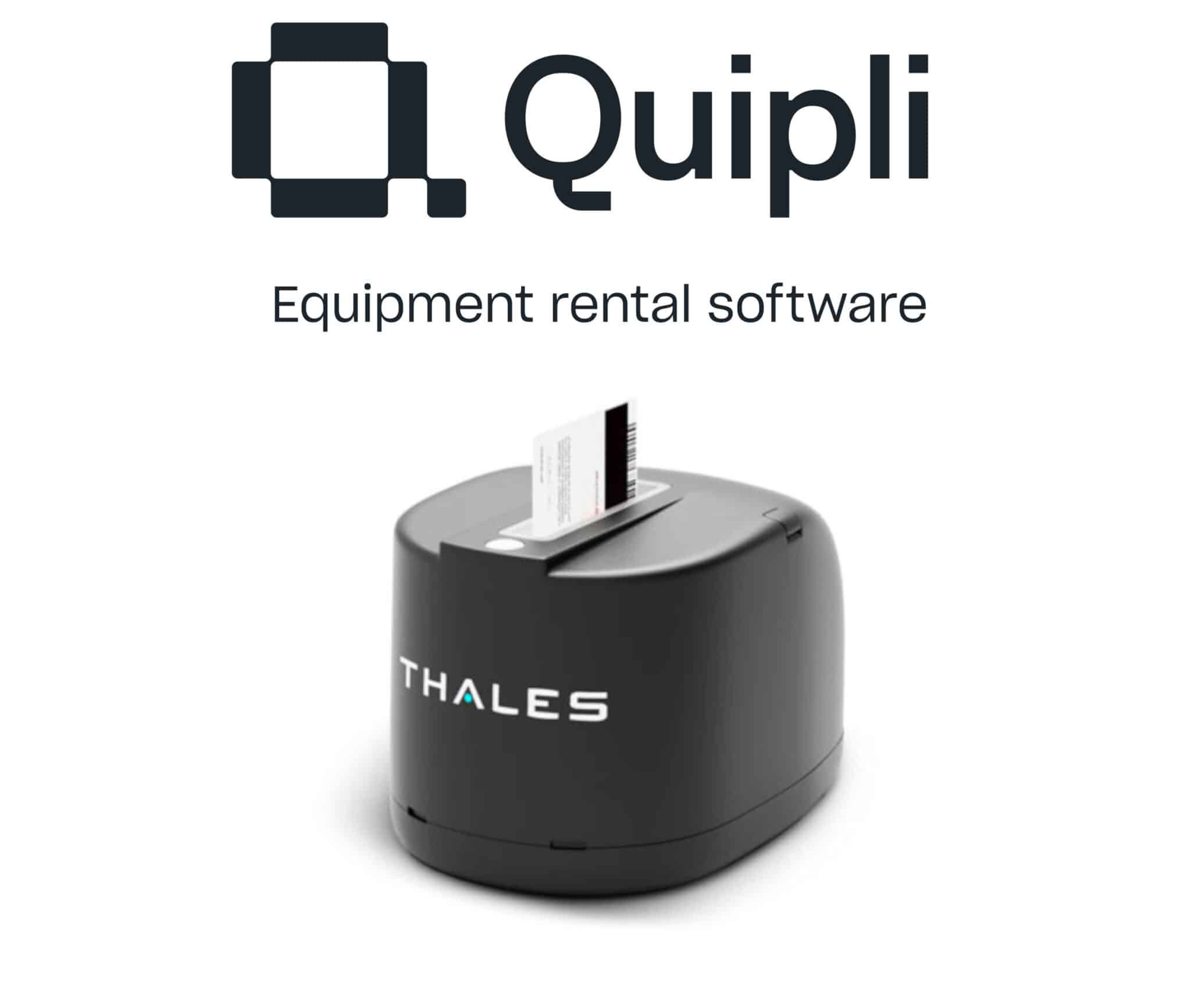
Thales CR5400 ID scanner reads and captures dual-sided images on ID and drivers licenses and checks 1D and 2D barcodes, UV watermarks, and infrared holograms. Contact Quipli Rental Software to activate your drivers license image capture add-on software, ParseLink.

Flag fake IDs
Instant analysis of the data format inside the ID’s barcode.

Automate data entry
Easily parse data directly into the rental agreement with 100% accuracy – no typos.

Auto-save images
Automatically save an image from the scanned ID.
Scan IDs directly into Quipli
More than 100 rental locations use Quipli to prevent fraud
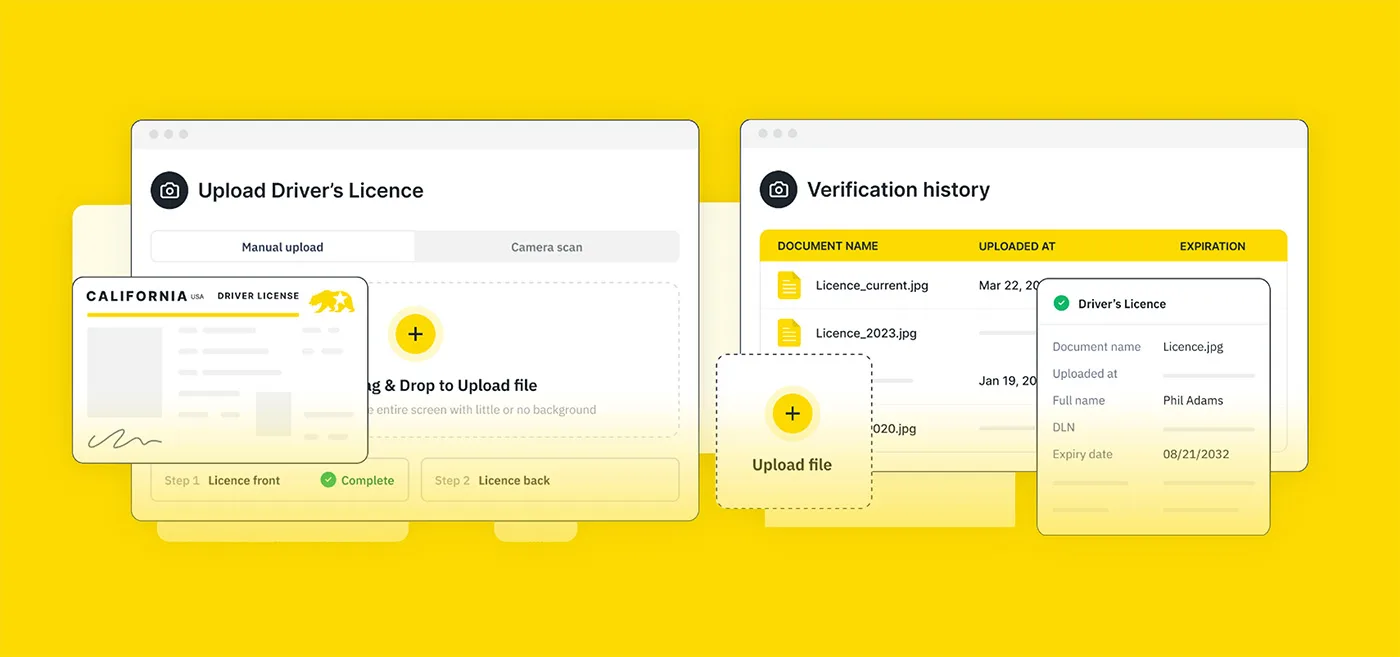
ParseLink connects an ID scanner directly with Quipli software, allowing you to easily scan IDs directly into the platform. Customers can also choose to verify identities remotely with DIVE.
How to scan IDs into Quipli
ParseLink/Quipli FAQ
How effective is ParseLink?
ParseLink Enterprise catches up to 95% of fake IDs with full authentication enabled. ParseLink’s data automation capabilities provide 100% input accuracy.
How effective is DIVE?
DIVE alone can detect up to 84% of fake IDs and with layered third-party checks, DIVE can catch 99.6% of fake IDs.
Which types of documents can I scan with ParseLink and DIVE?
Visit our Global Document Capability Library to see what documents our products support. Depending on hardware, all documents listed in the OCR, Barcode/MRZ and Document Authentication columns are compatible with ParseLink. All documents in the Remote Verification column are compatible with DIVE.
How do I get set up with ParseLink or DIVE for Quipli?
Contact Quipli and ask about ParseLink for on-site ID scanning and customer verification, or DIVE for remote verification.
Which ID scanners are compatible with Quipli?
Quipli is compatible with the Thales CR5400 scanner that reads and captures dual-sided images on ID and drivers licenses and checks 1D and 2D barcodes, UV watermarks, and infrared holograms.