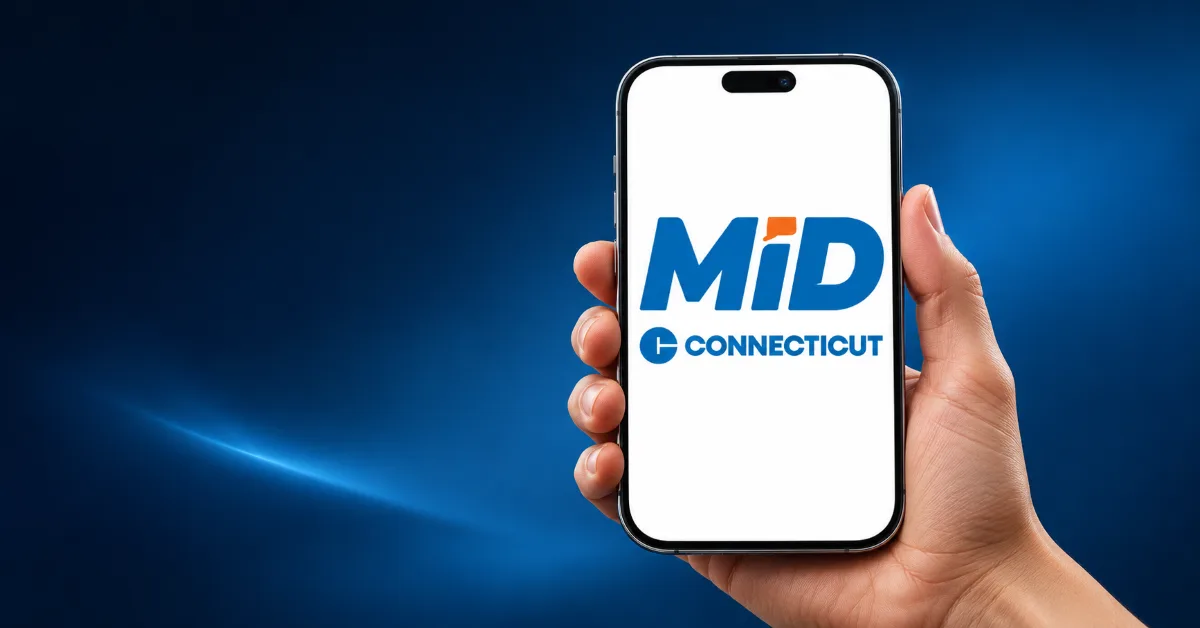

Connecticut launched its mobile ID program on November 18, 2026, giving residents a new way to verify their age or identity from their phones. Anyone with an eligible Connecticut driver’s license or state ID can download the free Connecticut Mobile ID app from the Apple App Store or Google Play and use their physical credential to complete setup.
Where can you use Connecticut Mobile ID?
The Transportation Security Administration (TSA) accepts Connecticut Mobile ID at participating airport checkpoints nationwide, including at Bradley International Airport and Tweed New Haven Airport. Bars, restaurants, and other businesses can also choose to accept it for age and identity checks. Residents should continue carrying their physical ID. Police still require a physical driver’s license during traffic stops, and the mobile credential cannot be used for voting.
How businesses can verify Connecticut Mobile ID
Acceptance is optional, but electronic verification is required for businesses that choose to accept it. Staff must use a compatible verifier app to scan the QR code displayed in the customer’s Connecticut MiD app and confirm that the credential is authentic. A visual check of the phone screen alone is insufficient. For bars and restaurants, that means training staff on the verification step before accepting mobile IDs at the door or point of sale.
How IDScan.net helps businesses accept Mobile IDs
IDScan.net’s VeriScan Identity Platform integrates with the Credence ID Tap2iD reader so businesses can verify supported mobile driver’s licenses alongside physical IDs in the same workflow.